Todos: every checklist, in one place
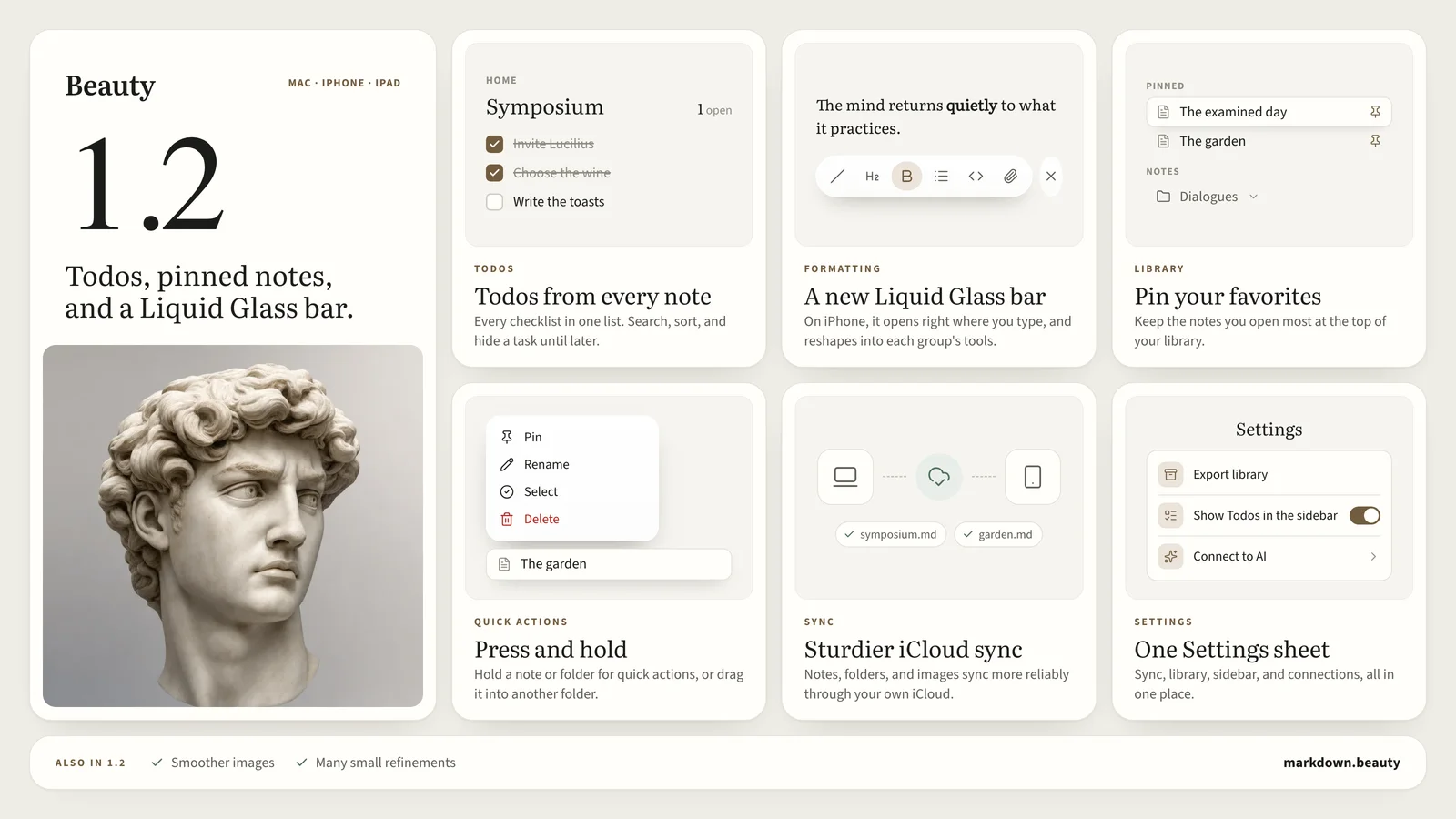
Checklists scatter. A reading list lives in one note, a dinner plan in another, the morning routine in a third. Todos gathers every one of them into a single view, grouped by the note it came from, without moving anything: each task stays in its note, as plain Markdown.
Filter as you type, sort notes by when you last edited them or by how many tasks are still open, and hide a task for a week when it can wait. Tick a box in Todos and its note updates too. Prefer a quieter sidebar? Switch Todos off in Settings.
A Liquid Glass formatting bar
On iPhone, the formatting bar now rides on the keyboard, right where you type, in Liquid Glass. Tap a group, like Style or Lists, and the bar reshapes into its tools instead of opening a menu. Tap the arrow to go back, or tuck the bar away when you only want to write.
Pin your favorites
Some notes you open every day. Pin them, and they move to a Pinned section at the top of your library, above every folder. On the Mac, right-click a note and choose Pin. On iPhone, press and hold it.
Press and hold, or drag
Press and hold a note or folder for its quick actions. For a note, that is Pin, Rename, Select, and Delete. Or hold it and drag it into another folder to move it.
Sturdier iCloud sync
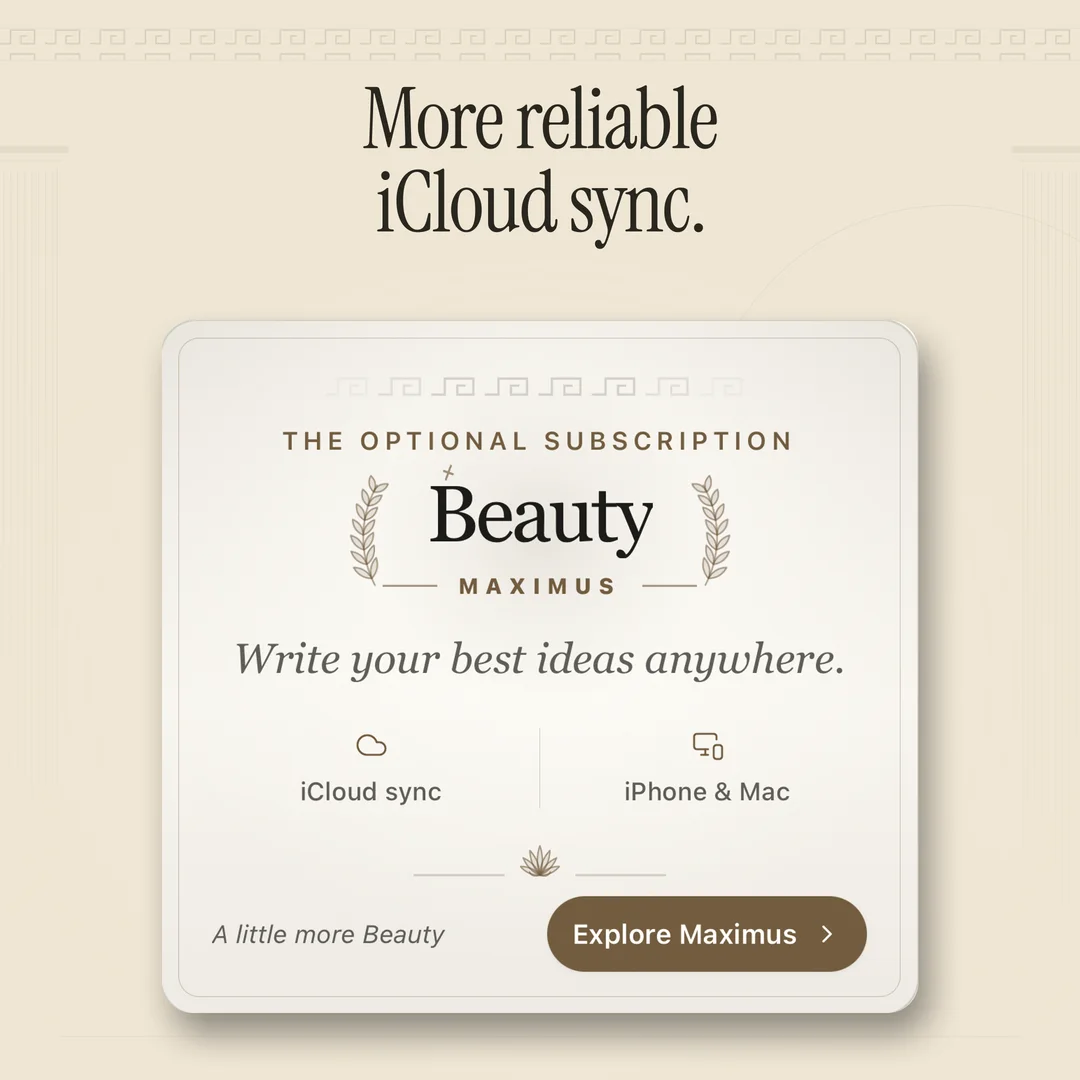
With Beauty Maximus, the optional subscription, your notes, folders, images, and version history sync through your own iCloud account. In 1.2 that sync is more reliable. Your notes stay plain Markdown files either way, and the editor itself stays free.
Smoother images, one Settings sheet
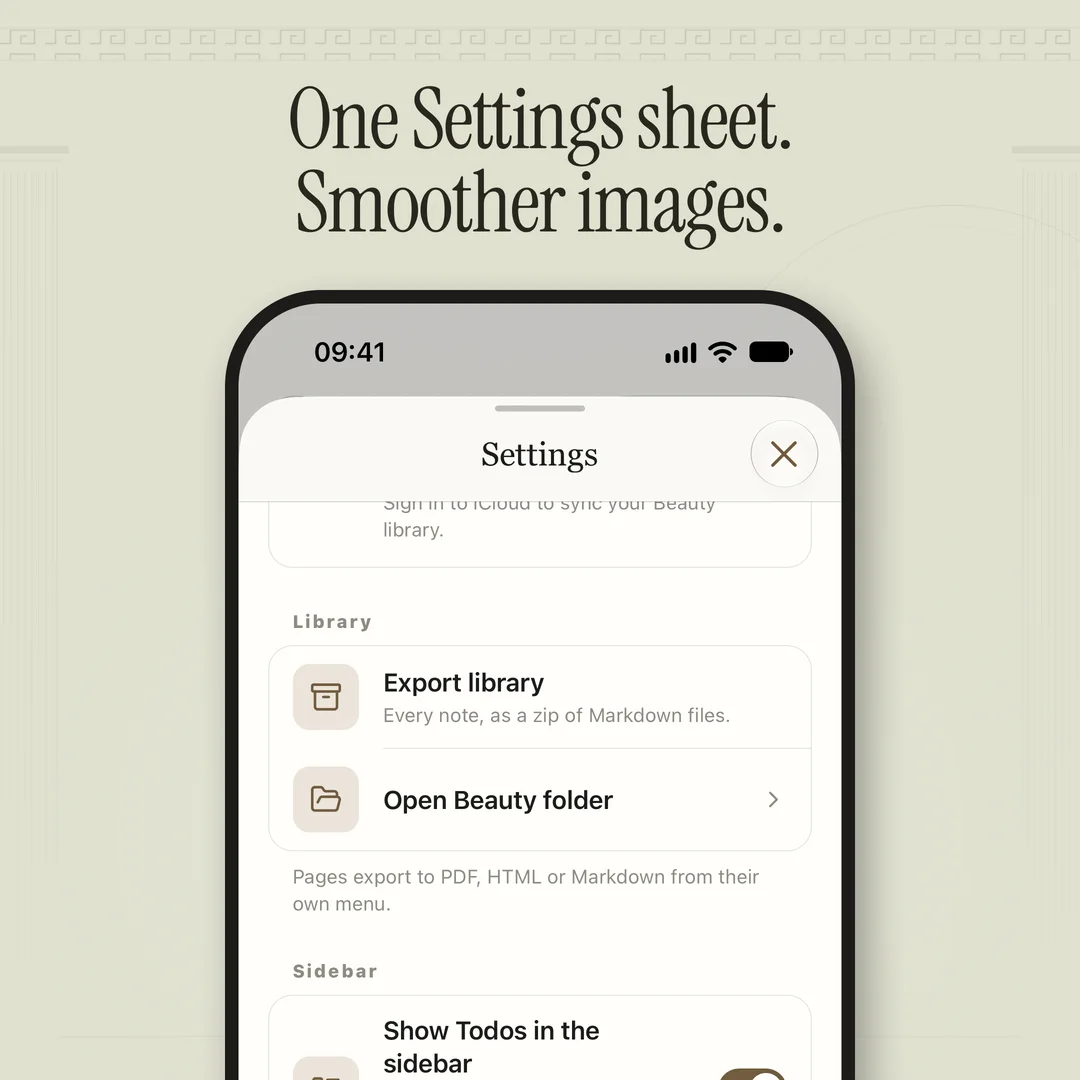
Images in your notes are smoother, and every setting now lives in one Settings sheet, from your library and the sidebar to connections and sync. Plus many small refinements across Mac, iPhone, and iPad.
Get Beauty 1.2
Beauty 1.2 is a free update on the App Store for Mac, iPhone, and iPad. There is no account to make, and your notes stay on your device. For every change, see the changelog.